Is your text readable for everyone? How to check color contrast (WCAG) and convert HEX, RGB and HSL
By Marcelo Amantino · published October 21, 2026 · 3 min read · who we are
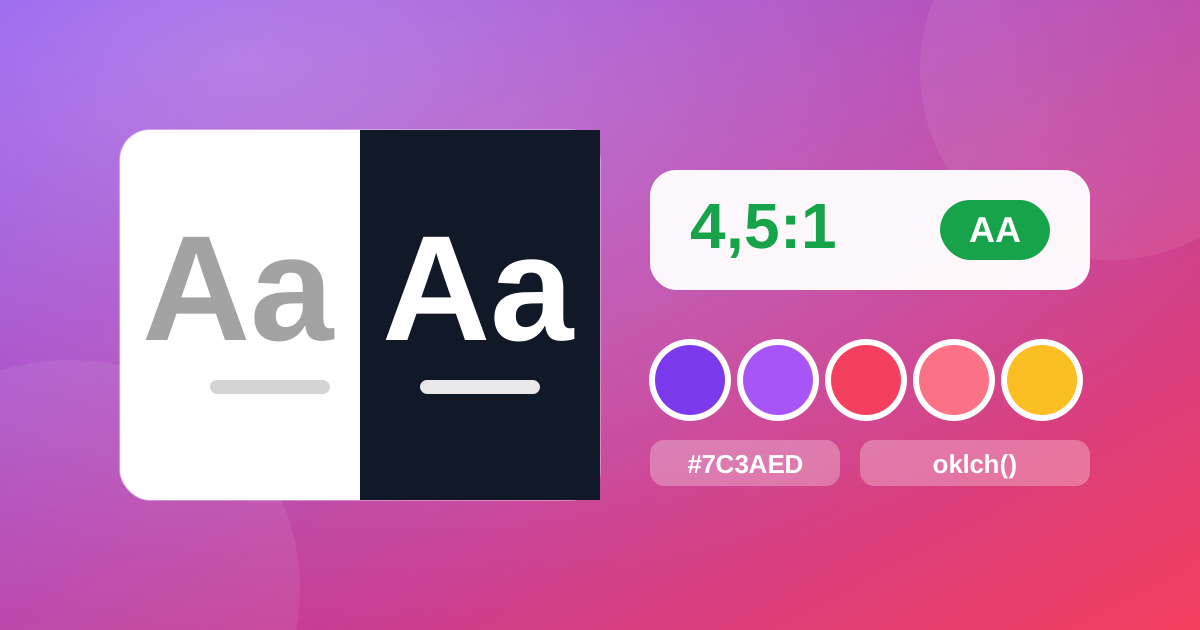
That elegant gray on a white background looks great on your monitor and turns into a blur on a phone, in the sun, or for someone with lower vision. Poor contrast is one of the most common accessibility problems and one of the easiest to fix, and anyone who writes CSS, builds presentations or looks after a brand has already run into another obstacle: the color the designer sent in one format and the program asks for in another.
What contrast is and which number you need to reach
Contrast is the difference in luminance between the text and the background, expressed as a ratio, for example 4.5:1. The web accessibility guidelines, WCAG, set goals: for normal text, 4.5:1 for level AA and 7:1 for AAA; for large text and interface elements (buttons, icons, field borders), 3:1. Reaching AA is the reasonable minimum for any page or material that people need to read.
Step by step in WebFaz Colors
- Open WebFaz Colors and choose the text color: paste a value (HEX, rgb(), hsl(), oklch()), use the picker or the eyedropper.
- Enter the background color and see the contrast ratio, with the AA and AAA indication.
- If it does not pass, use the automatic adjustment, which changes the color until it reaches the goal, staying as close as possible to the original.
- Copy the color in the format you need and save it in a palette.
Converting between HEX, RGB, HSL, CMYK and OKLCH
The same color can be written in many ways, and each program prefers its own. The tool converts between HEX, RGB, HSL, CMYK and OKLCH. OKLCH is a modern CSS format in which changing lightness or hue does not distort the rest of the color, which makes tone scales and harmonies more uniform than in HSL. One honest limit: CMYK is a mathematical approximation, with no color profile. For printing, confirm with a color proof.
Building a palette from an image or a color
Got a logo, a photo or a screenshot and need its colors? The tool extracts the dominant colors and picks the color of any pixel. From one color, it generates tone scales (from 50 to 950, with export to Tailwind, CSS variables, SCSS or JSON) and harmonies. Palettes can be saved in this browser and shared by link, with no sign-up.
Color blindness: test before publishing
Many people have difficulty telling certain colors apart (common estimates point to about 8% of men). Charts that depend only on red and green, or warnings that use only color to signal an error, become unreadable for them. The simulator shows your palette in protanopia, deuteranopia, tritanopia and achromatopsia. It is an approximation, a guide that does not replace testing with people. The safest rule is never to use color alone to convey information: accompany it with text, an icon or a pattern.
Picking a color from another open program
In Chrome, Edge and Opera on a computer, the “Pick from screen” eyedropper picks the color of any window and can leave a small floating window with the result. In other browsers, take a screenshot (Win+Shift+S on Windows) and paste it with Ctrl+V in the image section. Everything is calculated in the browser: your images and colors are not sent to WebFaz.
Tools mentioned in this article
Keep reading
- Why processing files in the browser is more private (and what that does not guarantee)
- Is your photo giving away where you live? How to remove location (GPS) from photos, PDFs and Office files
- How to reduce the size of a PDF and a video to send by email
- WhatsApp voice message or recorded meeting: how to turn it into text in minutes (and what not to send to AI)
- PNG, JPEG or WebP: which image format to use in each situation
- How to create a Pix QR Code and test it before printing
- MP3, WAV or FLAC: which audio format to choose
- What OCR is and how to improve accuracy when reading a photo of a document
- Countdown for a launch or live stream: how to build one and take people to the link at the right moment
- The Pomodoro technique: how to use focus and break cycles without getting tangled up
- Scanned an object with your iPhone and can’t print it? How to convert USDZ to STL
- iPhone photo won’t open on Windows? How to convert HEIC to JPG without uploading your photos
- PDF turned into a mess in Word? Why it happens and how to convert with less rework
- How to record your computer screen for free, with no watermark, nothing to install and your camera in the corner
- Subtitles early, late or in the wrong format? How to fix, convert and translate SRT, VTT and ASS
- How to calculate hours worked, overtime and time bank without errors (8h30 is not 8.3 hours)
- How to extract images from a PDF, Word, PowerPoint or Excel file without losing quality
- How to send files from iPhone to Android, Windows or Mac with no cable and no sign-up