Office originals and ZIP
Embedded images are preserved in their original format. In ZIPs, the search includes every folder.
Images are extracted from your file in the browser; nothing is sent. Learn more
Recover images from Word, PowerPoint, Excel, OpenDocument, PDF and ZIP. View and download them one at a time or all together.
or click to select from your computer
Up to 20 documents at a time
Embedded images are preserved in their original format. In ZIPs, the search includes every folder.
Embedded raster images are exported as PNG. Text, vector drawings and transparency masks are not rebuilt as complete figures.
SVG, EMF and WMF are kept in their original format. EMF, WMF and TIFF can be downloaded even when the browser offers no preview.
Recovers the images embedded in PDFs, Office documents, OpenDocument and ZIP files, without having to open the original program.
You received a PPTX presentation with 40 slides and need the photos in it, but the original photo files were lost. You upload the PPTX, see the gallery with every image found and download them all in a ZIP, with the same quality they were inserted with.
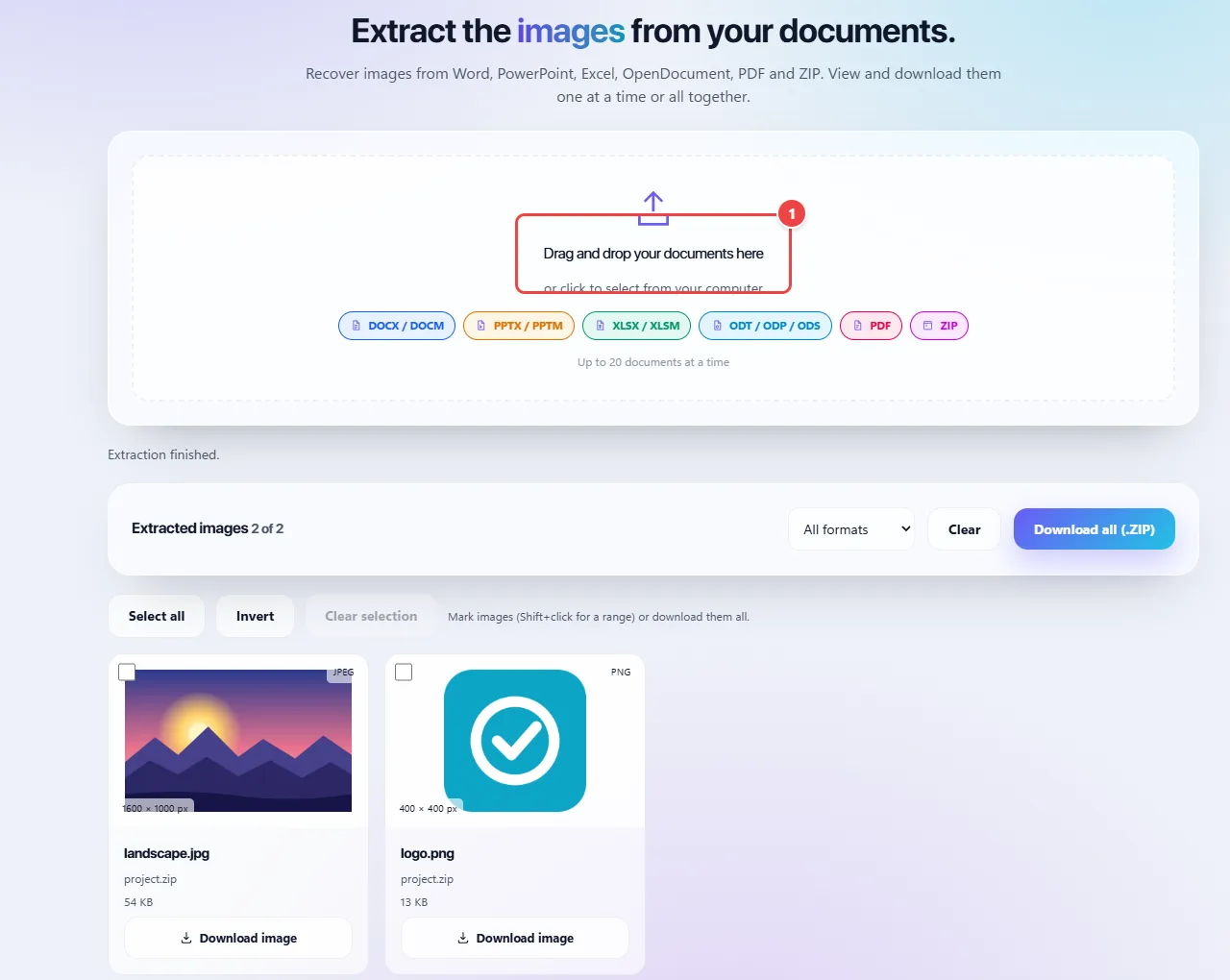
Os pontos de clique estão numerados. Toque na imagem para vê-la em tamanho original. As demais telas, passo a passo, estão no guia “Como funciona”.
DOCX, XLSX, PPTX, ODT, ODP, ODS and ZIP are really compressed packages that store the images as files inside a folder. The tool opens the package in the browser and copies them as they are, without recompressing; that is why the original quality is kept.
In PDF, the tool recovers the images embedded in the pages. In a scanned PDF, each page is an entire image.
Password-protected files cannot be read. Nothing is sent to WebFaz; the extraction is local.
Read the full guide: real-world use cases, tips and limits →
Privacy: This tool runs entirely in your browser: your files and data are not sent to any WebFaz server. Learn more.